To link your NIN to your Nigerian SIM, dial *346# on the line to fetch your NIN, then submit it on each network: *785*NIN# for MTN, *121*1# for Airtel, SMS UPDATENIN NIN FirstName LastName to 109 for Glo, and *200*8# for 9mobile (or via nin.9mobile.com.ng). Verify the link by dialling *996# to see all SIMs tied to your NIN. The NCC’s NIN-SIM mandate is permanent — any SIM without a verified NIN remains barred from outgoing calls and data.

Quick reference
| Network | Link NIN | Online portal |
|---|---|---|
| MTN | *785*NIN# |
nin.mtnonline.com |
| Airtel | *121*1# |
airtel.com.ng/nin |
| Glo | SMS UPDATENIN NIN FirstName LastName to 109 |
gloworld.com/ng/nin |
| 9mobile | *200*8# |
nin.9mobile.com.ng |
To retrieve a forgotten NIN on any network, dial *346#.
To verify SIMs linked to your NIN, dial *996#.
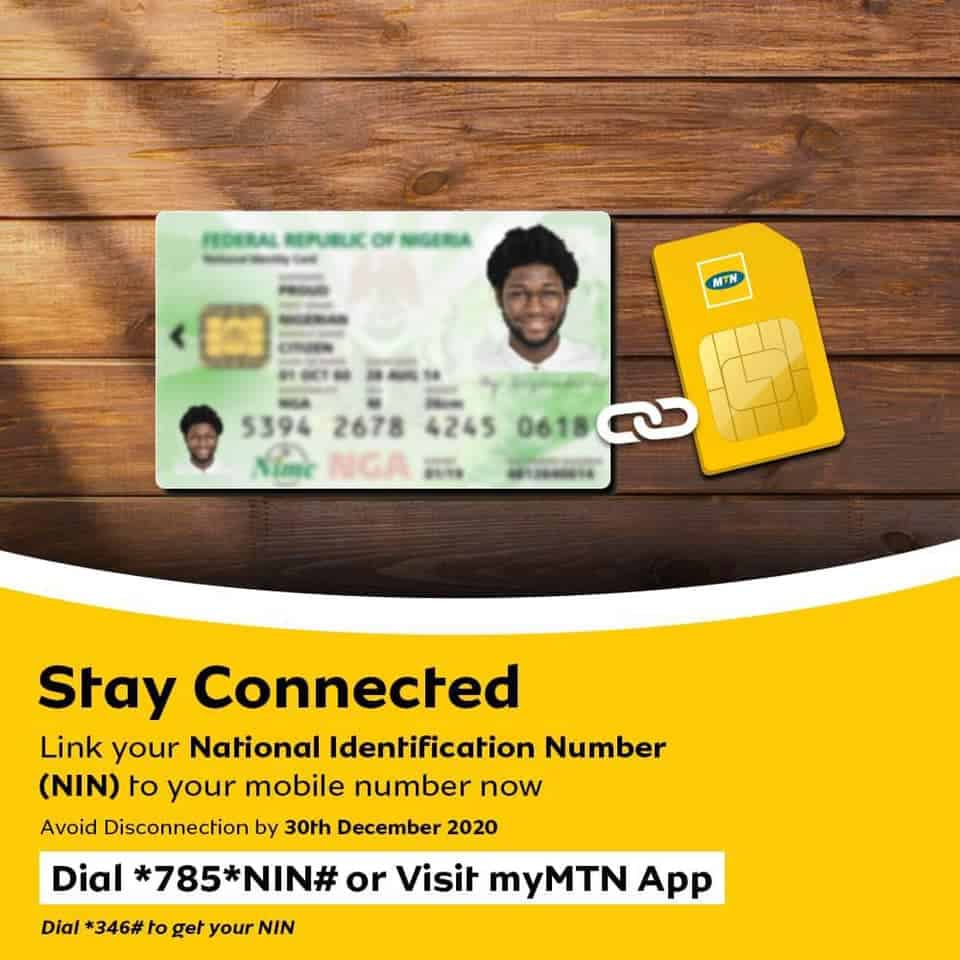
How to link MTN SIM to NIN

- Dial
*346#on the MTN line to fetch your 11-digit NIN. - Dial
*785*NIN#(replace NIN with your number) and press call. - You’ll get this message: “Your NIN has been successfully received. Kindly note that this is subject to verification, as all NINs will be validated by NIMC. Thank you.”


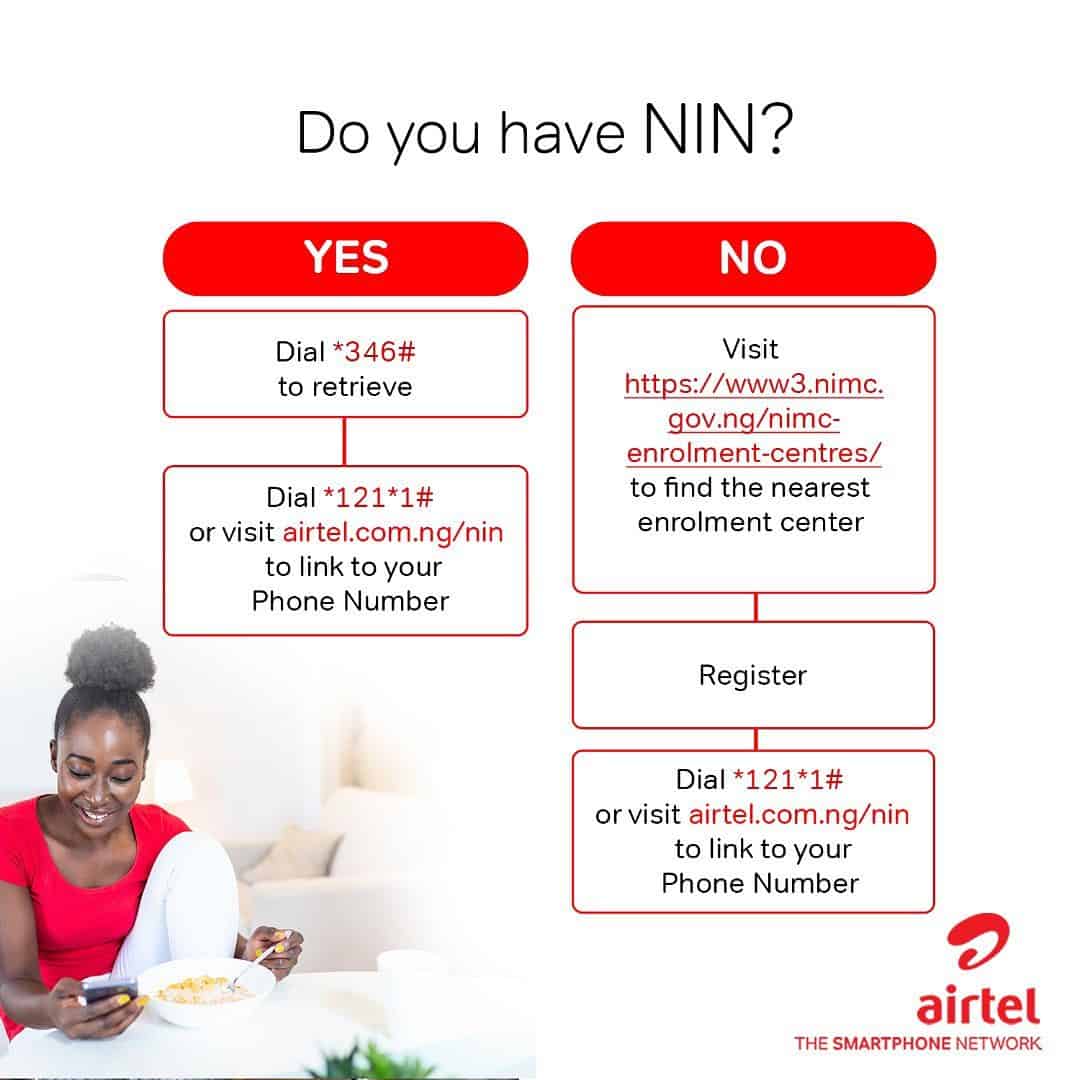
How to link Airtel SIM to NIN

- Dial
*346#on the Airtel line to retrieve your NIN. - Dial
*121*1#, choose 1 — NIN Capture, and enter your 11-digit NIN. - Wait for the SMS confirming submission.
You can also submit online at airtel.com.ng/nin.
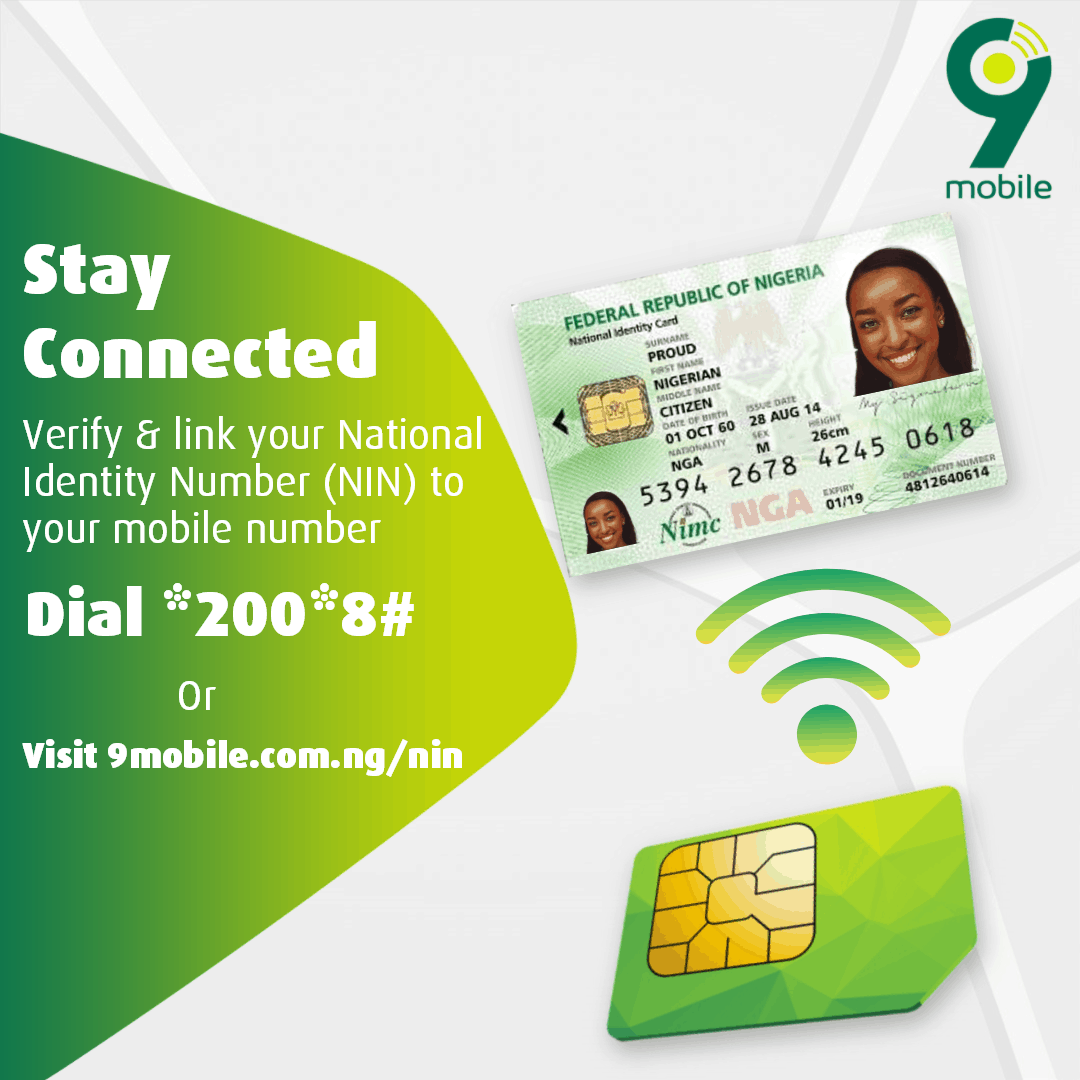
How to link 9mobile SIM to NIN

- Dial
*346#on the 9mobile line. - Dial
*200*8#and follow the prompts to enter your NIN.
Online: nin.9mobile.com.ng.
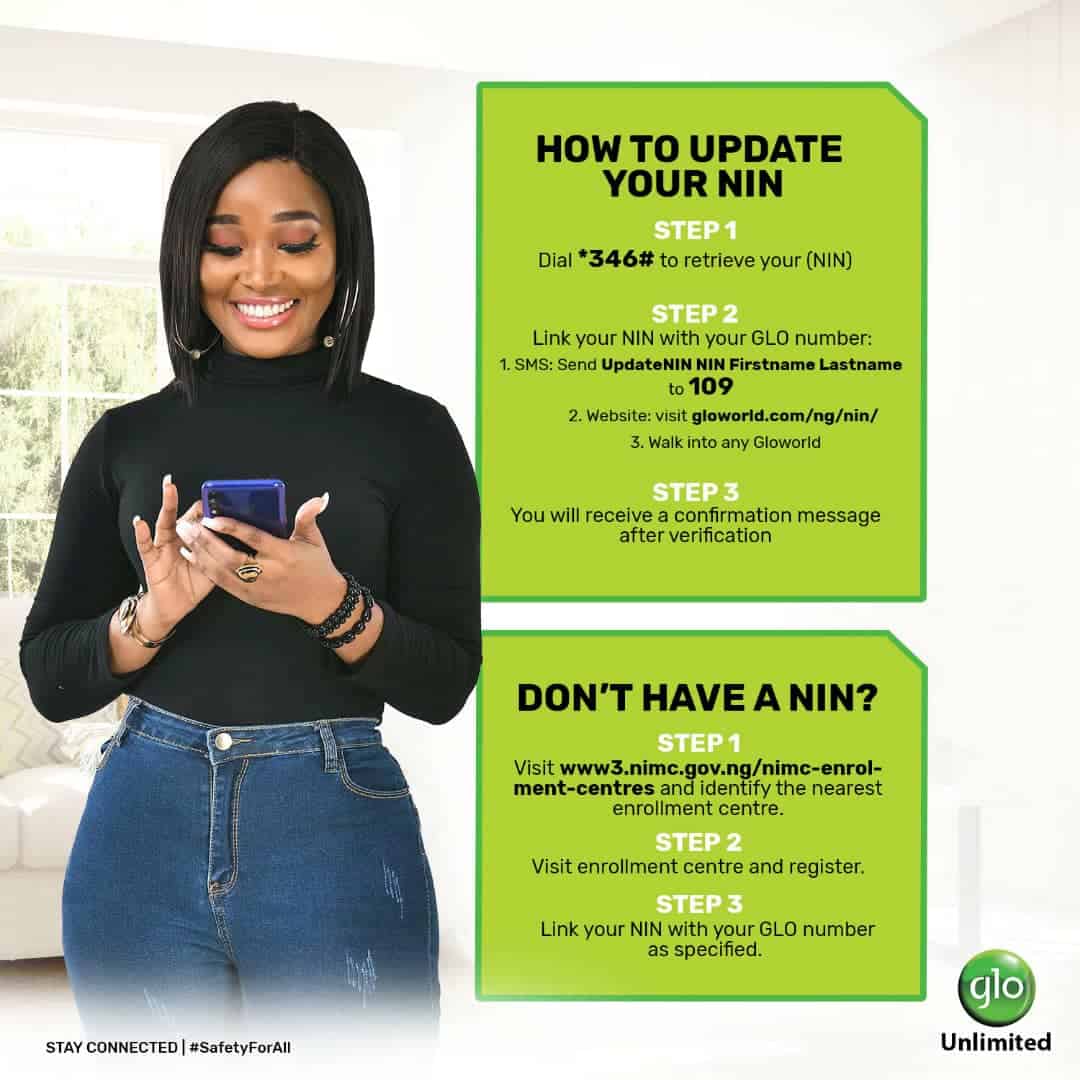
How to link Glo SIM to NIN

- Dial
*346#on the Glo line. - SMS
UPDATENIN NIN FirstName LastNameto 109. Example:UPDATENIN 12345678901 Chinedu Okeke.
Online: gloworld.com/ng/nin.
How to verify the linkage
After submitting, dial *996# on the same SIM. You’ll see all phone numbers linked to your NIN. If a SIM you own is missing, repeat the network’s submission code.
Don’t have a NIN yet?
- Visit a NIMC enrolment centre — search for the nearest one at nimc.gov.ng/locations.
- Bring a valid ID and proof of address.
- Capture biometrics, fingerprints, and photo.
- Receive your NIN slip the same day. The plastic card arrives later, but the slip is enough to link SIMs immediately.
What is NIN?
NIN stands for National Identification Number. It’s an 11-digit unique number issued by the National Identity Management Commission (NIMC) to every Nigerian citizen and legal resident.
What is NIMC?
The National Identity Management Commission is the federal agency that runs Nigeria’s identity database — registration, verification, renewal, and card issuance.
Why is NIN-SIM linkage required?
The NCC and NIMC ordered the linkage to weed out unregistered or fraudulent SIMs and tie every active line to a verified identity. The original December 2020 deadline expired long ago. Today, any new SIM cannot activate without an NIN, and old unlinked SIMs stay barred until linked.
FAQs
What’s the deadline to link my NIN to my SIM?
There is no fresh public deadline — the policy is now permanent. Unlinked SIMs are blocked from outgoing calls, SMS, and data until linked.
Can I link one NIN to multiple SIMs?
Yes. The current NCC limit is up to four SIMs per NIN across all networks combined. Repeat the submission code on each line.
What if my NIN won’t link?
Confirm the 11-digit NIN is correct. If repeated tries fail, visit a NIMC office to verify your record matches the SIM registration name.
How do I retrieve a forgotten NIN?
Dial *346# on any registered SIM. NIMC charges ₦20 per request.
Can I link without leaving home?
Yes. The four USSD codes above and each network’s online portal work without a visit. You only need to visit a NIMC centre if you don’t have a NIN at all.
How do I check which SIMs are tied to my NIN?
Dial *996# on a linked line. The list shows every active number linked to that NIN.
Read also:
NIMC enrolment centres list
How to load airtime on MTN, Glo, Airtel, 9mobile
Leave a Reply