The Glo MiFi is a 4G LTE pocket router from Globacom. It costs ₦15,000 at GloWorld stores, comes with 30GB of free data on activation, and connects up to 10 devices on the move. Login at 192.168.8.1 with username and password admin.
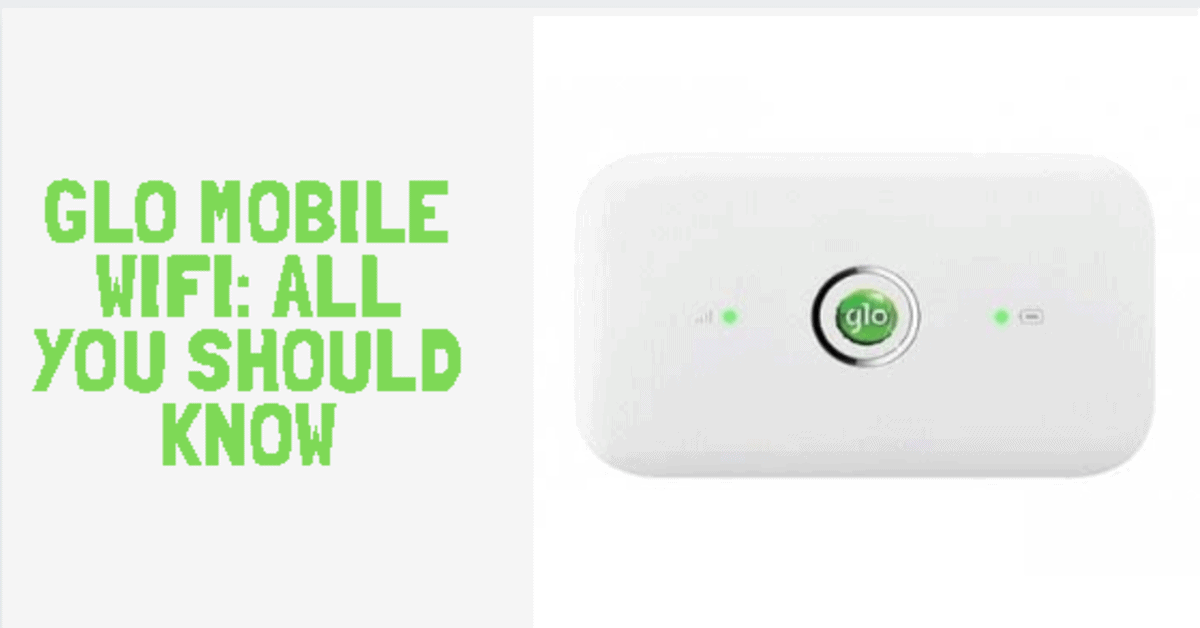
This guide covers what the Glo MiFi does, how much it costs, the current data plans, how to subscribe, and how to log in or reset the device.
What is the Glo MiFi?
The Glo MiFi (Mobile Wi-Fi) is a small portable 4G LTE router. Drop a Glo SIM in, switch it on, and it broadcasts a Wi-Fi signal you can connect phones, laptops, tablets, smart TVs, and game consoles to. Up to 10 devices at once.

Glo MiFi specs
- 4G LTE; falls back to 3G/2G where LTE is unavailable
- Download / upload up to 150 Mbps
- 1.45-inch TFT-LCD display
- Boots in about 5 seconds
- Battery life around 6 hours; standby up to 350 hours
- Works with Windows 7/8/8.1/10/11 and macOS 10 and later
- Connects up to 10 Wi-Fi devices simultaneously
How much is the Glo MiFi?
The Glo MiFi sells for ₦15,000 at GloWorld stores nationwide. The device ships with a registered Glo SIM and unlocks 30GB free data the moment you activate it. If you top up with ₦5,000 or more in data within six months of activation, Glo adds another 5GB on each top-up.
It’s still the cheapest mainstream 4G MiFi sold in Nigeria — the MTN, 9mobile and Spectranet equivalents typically retail above ₦20,000.
Glo data plans for MiFi
Subscribe by loading airtime to the SIM in your MiFi and dialling *312#, or buy a plan in the Glo Café app or at gloworld.com/data-plans.
| Plan | Price (₦) | Data | Validity |
|---|---|---|---|
| Daily | 100 | 50 MB | 1 day |
| Daily | 200 | 250 MB | 1 day |
| Weekly | 500 | 1.5 GB | 7 days |
| Weekly | 1,500 | 7 GB | 7 days |
| Mini | 1,000 | 2.6 GB | 30 days |
| Standard | 3,000 | 10.5 GB | 30 days |
| Standard | 5,000 | 16.5 GB | 30 days |
| Mega | 10,000 | 42 GB (38 GB + 4 GB bonus) | 30 days |
| Mega | 15,000 | 72 GB | 30 days |
| Mega Plus | 20,000 | 110 GB | 30 days |
Prices and bundles change. Check live prices at gloworld.com before paying.
How to log in to your Glo MiFi
- Connect your phone or laptop to the Glo MiFi’s Wi-Fi.
- Open a browser and visit http://192.168.8.1.
- Enter the default username and password: both are admin.
Once logged in, you can change the Wi-Fi name (SSID), reset the Wi-Fi password, see connected devices, kick freeloaders, and check data usage.
Default APN settings
- Profile name: GLO
- Dial number: *99#
- Username: flat (or blank)
- Password: flat (or blank)
- APN: Gloflat or Glosecure
Don’t change other fields. Save and click Yes.
How to turn the Wi-Fi extender on or off
- Press the flat button on top of the MiFi.
- Press it again to scroll to the Wi-Fi extender option.
- Tap the power button beside the screen to toggle on or off.
How to reset the Glo MiFi
If the MiFi locks up, drops connection, or you’ve forgotten the password:
- Power on the device.
- Pop off the back cover; the reset hole sits beside the power key.
- Use a pin to press and hold reset for 5 seconds.
- The MiFi will reboot to factory settings — login becomes admin / admin again.
Free 30GB activation offer
Buy a new Glo MiFi from a GloWorld shop or partner store. Insert the registered Glo SIM that ships with it. Power on and connect — Glo credits 30GB to that SIM automatically. The 30GB offer applies once per device; you cannot earn it twice with the same MiFi.
How to make your Glo data last longer
- Monitor your usage. Check your data balance from the Glo Café app, the MiFi web dashboard, or by dialling *127*0# on the SIM.
- Use Wi-Fi where you can. Free Wi-Fi at home, the office, or a café spares your bundle.
- Kill background data. On Android, go to Settings > Network & Internet > Data Usage > App Data Usage. On iOS, go to Settings > Cellular and switch off apps you don’t need.
- Turn on Data Saver. Both Android and iOS compress traffic, block auto-updates, and limit background activity in this mode.
- Limit streaming quality. Drop YouTube and Netflix to 480p or 720p — they use a fraction of the data of 1080p or 4K.
Where to buy
Glo MiFis are sold at any GloWorld shop, authorised dealers, and major online stores like Jumia and Konga. Confirm warranty and SIM registration before leaving the counter.
Read also:
- How to check your Glo bundle balance
- How to check your Glo credit balance
- How to check your Glo phone number