No. Instagram does not tell anyone when you screenshot or screen-record their story, and that includes Close Friends stories. Feed posts, reels and profiles are the same. The only screenshots Instagram reports are in chats: a disappearing photo or video, or a message sent in vanish mode.
What to know
- Stories, highlights, posts, reels, profiles and normal chat messages: no screenshot alert.
- Disappearing photos and videos in a chat: the sender can see that you took a screenshot.
- Viewing a story is not private. Your name still lands on the poster’s viewer list.
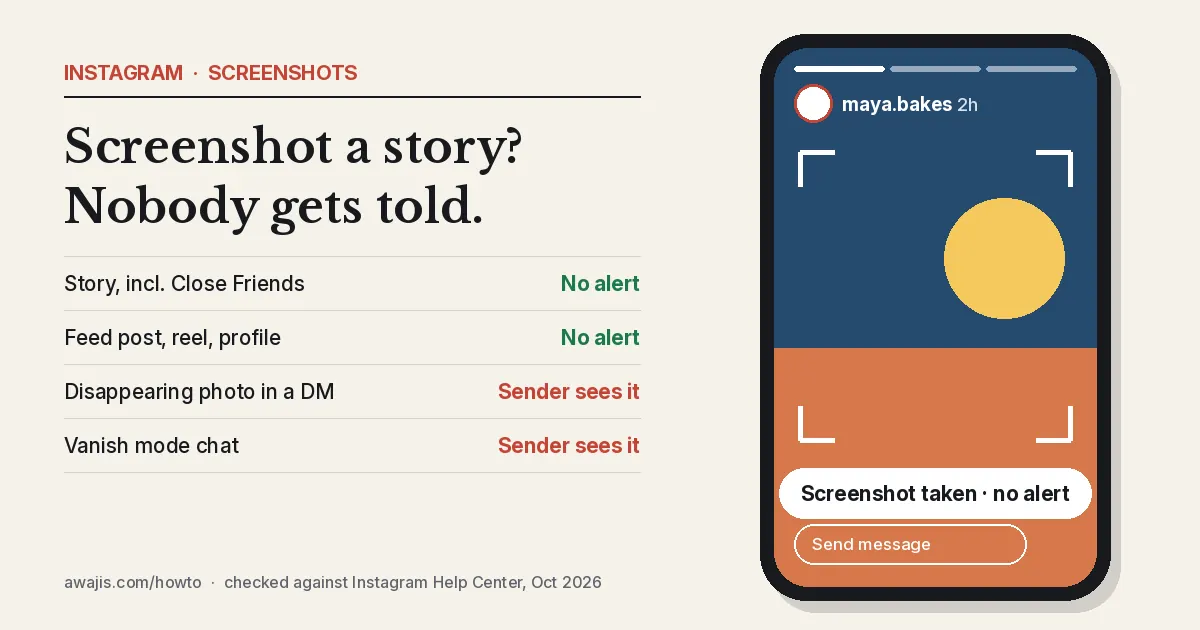
What Instagram flags and what it doesn’t
| What you screenshot | Is the other person told? |
|---|---|
| A story, including a Close Friends story | No |
| A highlight on someone’s profile | No |
| A feed post, carousel or reel | No |
| A profile page or bio | No |
| A normal message in a chat | No |
| A disappearing photo or video sent in a chat | Yes, the sender sees it |
| A message in a vanish mode chat | Yes, the other person is told |
Instagram tested story screenshot alerts in 2018 and dropped the test. Nothing has replaced it since.
Where screenshots do get reported
Two kinds of chat content are built to disappear, and that is where Instagram watches for screenshots.
- Disappearing photos and videos. When someone sends you a photo or video set to View once or Allow replay, they can check its status in the chat. Instagram’s Help Center says the status shows whether it was viewed and whether someone took a screenshot. Replaying it shows up too.
- Vanish mode. Messages in vanish mode disappear once you leave the chat. A screenshot inside a vanish mode chat triggers a notice to the other person.
Instagram’s help pages talk about screenshots, not screen recordings. Don’t count on a recording of a disappearing photo going unnoticed.
How to check if someone screenshotted your disappearing photo
- Open the chat where you sent the disappearing photo or video.
- Look at the status under the photo or video you sent.
- It shows whether the photo or video was opened, replayed or captured with a screenshot.
This works on the Instagram app for Android, iPhone and iPad. Disappearing photos aren’t available on a computer, so there is no status to check there.
Things that catch people out
- The viewer list. Taking a screenshot is invisible, but watching the story is not. The poster sees your username among the viewers either way.
- “Screenshot detector” apps. No outside app can see Instagram’s screenshot data. Apps that promise this usually want your Instagram login, so skip them.
- Other apps behave differently. Snapchat does alert people about screenshots of snaps and stories. Habits from one app don’t carry over to the other.
- Protecting your own story. You can’t block screenshots of a story. If a post is sensitive, share it to Close Friends only, or hide your story from specific people.
Worried about what else people can see on your profile? Read our guide on how to hide your following list on Instagram.
FAQ
Does Instagram notify when you screenshot a Close Friends story?
No. Close Friends stories follow the same rule as public stories. The poster sees that you viewed the story, but not that you took a screenshot.
Does Instagram notify when you screen-record a story?
No. Screen recordings of stories, posts and reels send no alert. The only screenshot reporting Instagram describes covers disappearing photos and videos and vanish mode chats.
Can someone see if I screenshot their DM?
Only in two cases. If they sent a disappearing photo or video, or you’re chatting in vanish mode, they can tell. Normal text, photos and voice notes in a regular chat send no alert.
Does Instagram notify when you screenshot a highlight?
No. Highlights are saved stories, and they carry no screenshot alert.
Checked against Instagram’s Help Center for Android and iPhone, October 2026. Sources: Instagram Help Center: status of a disappearing photo or video, Metricool (January 2026).