To cancel Grammarly Premium, sign in at grammarly.com, click the Account tab in the left sidebar, then open Your account > Subscription. Click Cancel Subscription, click Continue, pick a reason, and click Cancel Subscription again to confirm. Bought through the Apple App Store or Google Play? Cancel there instead. Canceling stops the next charge but keeps your paid features until the current billing period ends.
Grammarly is a grammar and spelling checker that many writers, students, and non-native English speakers rely on. If you upgraded to Premium for the extra features and no longer need them, you can cancel in about a minute.
How do you cancel a Grammarly Premium subscription?
When your subscription ends, your account drops to the free plan and future payments stop. You keep all your documents and lose no data. Only Grammarly Business and Grammarly for Education admins can cancel before the billing period ends.
Note: These steps use a PC and the Chrome browser. The cancel option lives in your account settings, not in email.
Here is how to cancel your Grammarly Premium subscription:
- Step 1: Go to the Grammarly sign-in page and log in to your Premium account by clicking here.
- Step 2: Enter your Grammarly account email address, then click Continue.
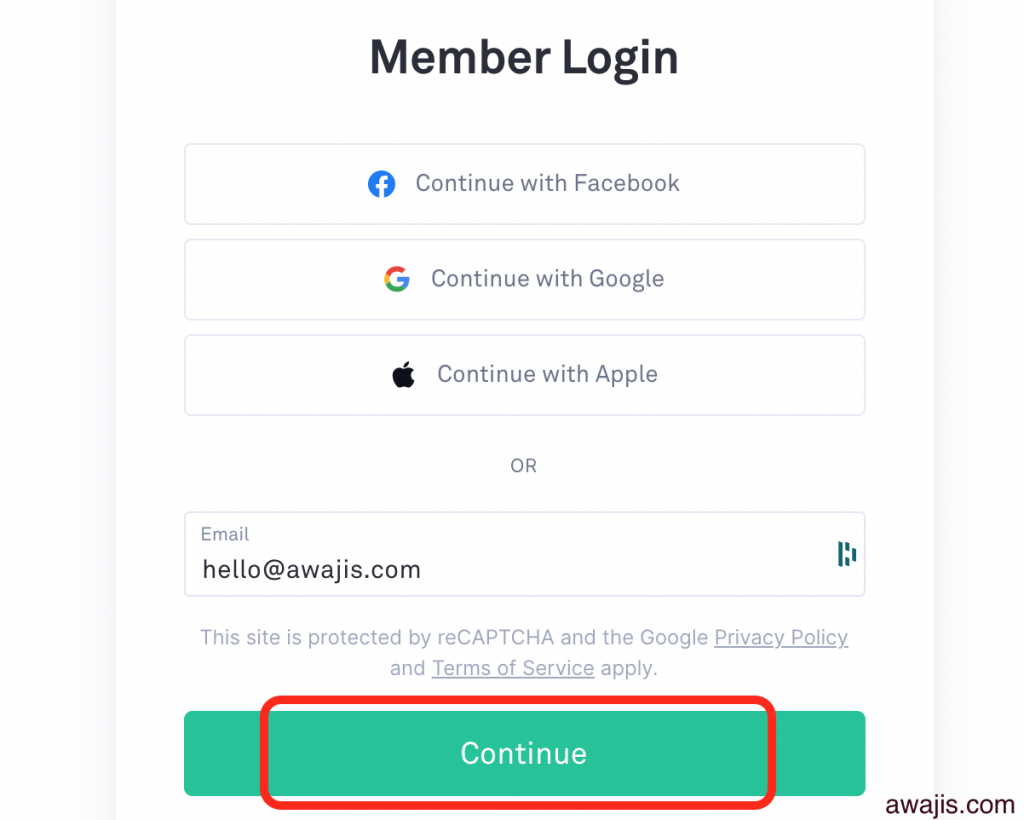
- Step 3: Enter your password on the next page and sign in.
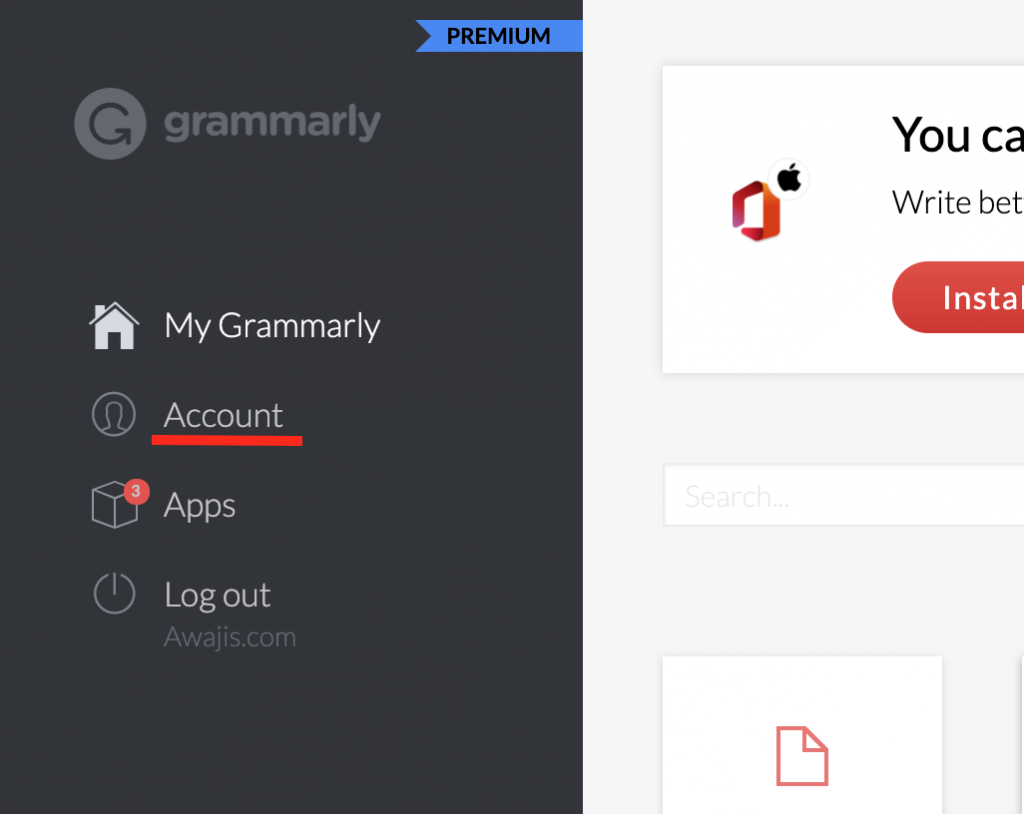
- Step 4: Click the Account tab in the left sidebar.
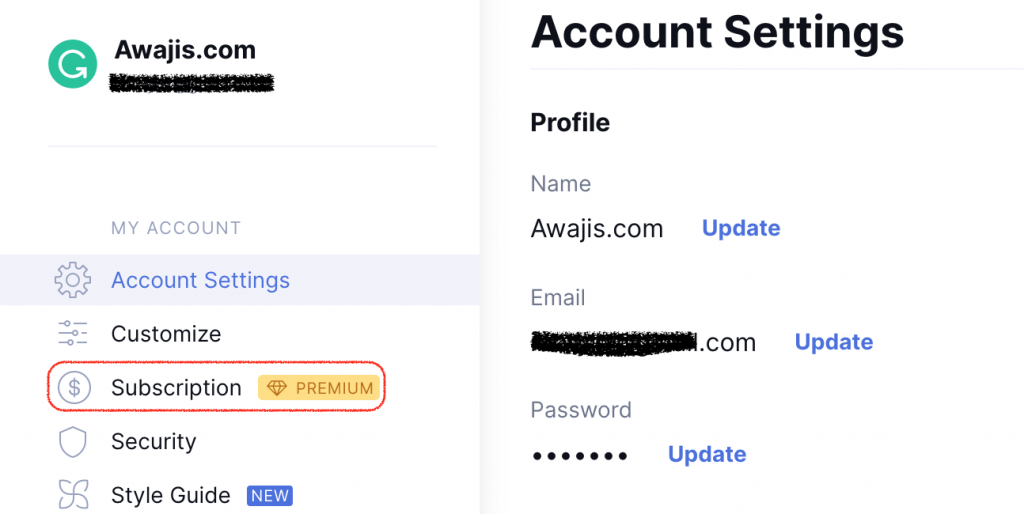
- Step 5: Open Your account, then click Subscription.
- Step 6: At the bottom of the page, click Cancel Subscription.

- Step 7: In the window that appears, click Continue.
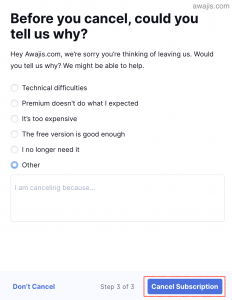
- Step 8: Pick a reason for canceling, then click Cancel Subscription to confirm.
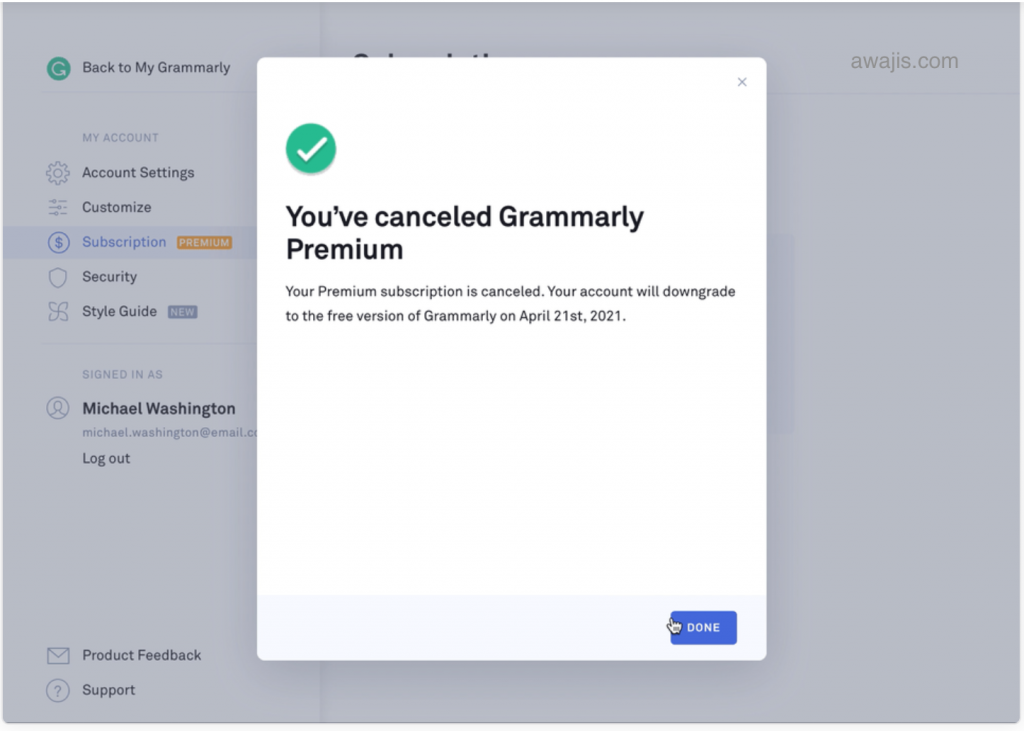
Your subscription is now canceled.
How do you cancel Grammarly bought through Apple or Google Play?
If you subscribed inside the Grammarly app on a phone or tablet, Apple or Google handles your billing. Grammarly’s website cannot cancel that plan.
- Apple App Store: Open Settings, tap your name, tap Subscriptions, tap Grammarly, then tap Cancel Subscription. See Cancel a subscription from Apple.
- Google Play: Open the Play Store, tap your profile, tap Payments & subscriptions > Subscriptions, tap Grammarly, then tap Cancel subscription.
How do you delete a free Grammarly account?
A free account has no subscription to cancel, so you delete the account instead. This removes your documents, so save anything you want to keep first.
- Go to https://grammarly.com/signin and log in.
- Open the Account section.
- Click Delete Account.
- Type your password.
- Confirm the deletion.
Can you get a refund after canceling Grammarly?
Grammarly subscriptions are non-refundable except where the law requires a refund. The company will not prorate fees for a plan you end before the term is up. See the Terms of Service for the details.
One exception works in your favor: if you upgrade from Premium to a higher plan such as Pro or Business, Grammarly prorates the unused part of your Premium term toward the new plan.
Note: If you bought Premium through the Apple App Store, Apple’s own refund policy applies, and Apple often grants a refund if you ask within 24 hours of the charge. Request it from Apple, not Grammarly.
How do you request a Grammarly refund?
- Go to support.grammarly.com.
- Select Billing and Subscription.
- Select I’d like to request a refund.
- Explain your reason in the space provided.
- Attach any screenshots that support your claim.
- Select Submit.
How do you reset your Grammarly password?
Forgot your password? Reset it before you sign in to cancel.
Grammarly password reset steps
- Go to the sign-in page at https://www.grammarly.com/signin.
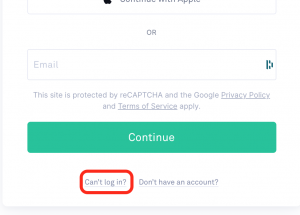
- Click Can’t log in at the bottom of the page.
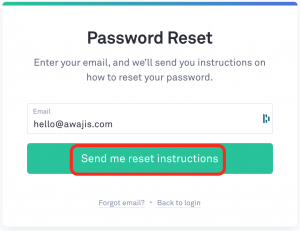
- Enter your email address, then click Send me reset instructions.
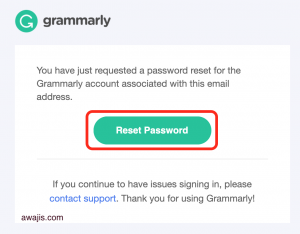
- Open the email from Grammarly and click the Reset Password button.
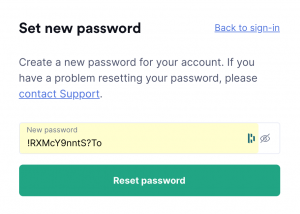
- Enter a new password of 8 or more characters, then save it.
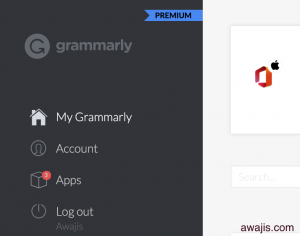
Log in with your email address and new password.
Can you cancel Grammarly Premium at any time?
Yes. You can cancel your paid account whenever you want.
- Follow the steps above to cancel. If you don’t see the cancel option, make sure you’re logged in to the Premium account that holds the subscription.
- Bought through Apple? Cancel on this page: Cancel a subscription from Apple.
- On a phone or tablet, manage your subscription at https://account.grammarly.com.
Do you have to wait until your subscription expires to cancel?
No. Your access runs until the billing period ends no matter when you cancel. Cancel early and you keep Premium until the paid term is up. If you bought a yearly plan and cancel in the third month, you still use Premium for the remaining nine months.
Checkout: Grammarly vs Prowriting Aid
Also See: How To Delete Yelp Account
If you find this article helpful, please share it with your friends using any of the share buttons below.